
To access the Warner Music Group (WMG) Artist Royalties Portal, registered users can log in directly at ArtistRoyalties.wmg.com or through the provided link on the WMG website.
Getting Started – Registration Process
- Your WMG contact sends an SAP Ariba Network invite to your email address.
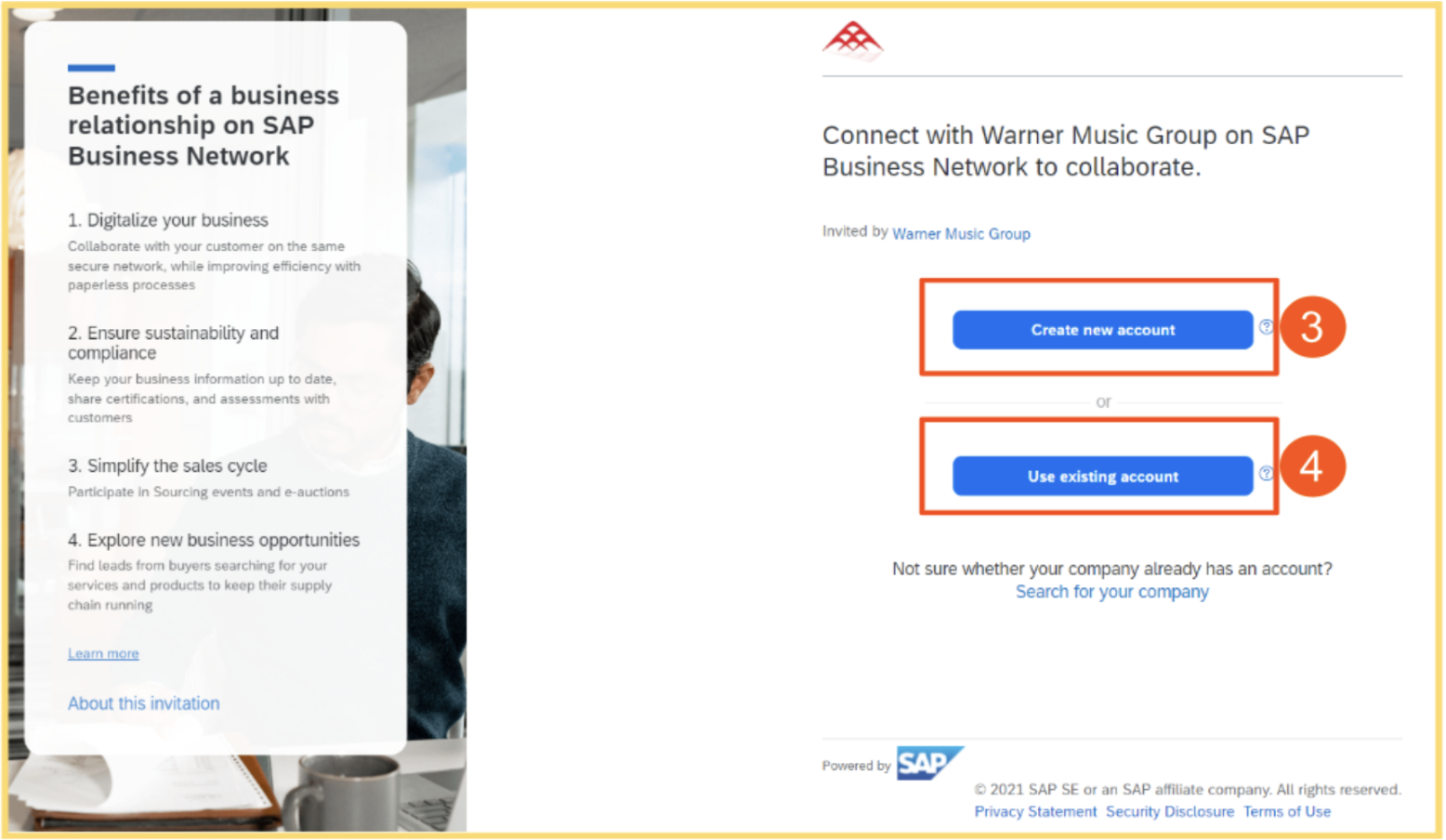
- You accept the invite and log in to create/access your Ariba Network account.
- You fill out the Supplier Registration Questionnaire and attach the required tax and banking documents.
- WMG approves the questionnaire or requests additional information or documentation.
- You receive an email confirming successful registration with your new vendor number.
- You begin transactions with WMG.
Required Registration Information
- Vendor / Company name
- Country / Region
-
Mailing address
Email address: This is the primary way you’ll communicate with Warner Music and SAP Ariba. Purchase Orders will be sent to this email. - Type of products or services provided
- Ship-to address or location where services are delivered
- Organization Type: e.g., corporate or individual/sole proprietorship
- Tax Information: Country, Tax ID, and whether you’re subject to withholding tax. An attachment with tax information is required to confirm the provided details.
- Payment method and bank information: An attachment with bank details is required to confirm the provided information.
- Confirmation that you have read and agreed to the WMG Vendor Code of Conduct.
Comments
0 comments
Please sign in to leave a comment.